ClanCal help
Welcome. These guides help you use the current ClanCal app: one place for the day, shared calendars, to-dos, lists, groups, trips, meals, recipes, and Clancy planning help.
Mobile-first
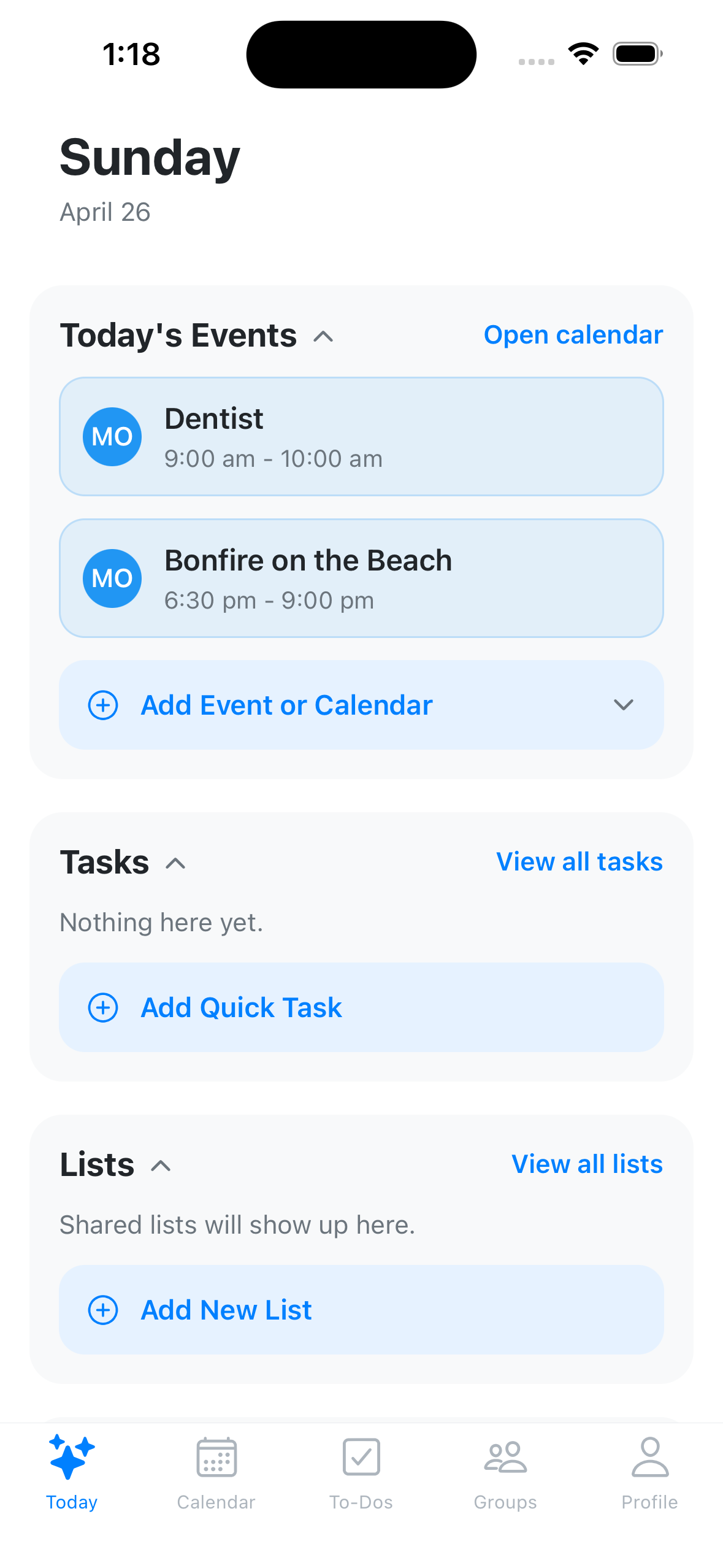
ClanCal now starts in the Combination app. Most guides follow the mobile tabs you see after setup: Today, Calendar, To-Dos, Groups, and Profile.
A simple first setup
- Download and sign in
- Choose your onboarding path
- Create or join a group
- Invite your people
- Connect a calendar
Finding your way
- Today: your launch point for events, tasks, lists, trips, and group activity
- Clancy: planning help for schedules, trips, tasks, lists, photos, and nearby places
- Calendar: shared calendars, event details, reminders, map view, and calendar feeds
- To-Dos: tasks, chore programs, and lists such as Groceries, Home Improvement, Clothes, and Pharmacy
- Groups: the people and workspaces you coordinate with
- Profile: account settings, notifications, calendar connections, billing, and security
- Trips, Meals, and Recipes: planning spaces you may open from Today, Groups, trip onboarding, or recipe entry points
Where to start
- New here? Start with Download and sign in.
- Want everyone on the same page? Create or join a group.
- Want help sorting out what to do next? Start with Clancy overview.
- Working on scheduling? See how Calendar works.
- Capturing tasks or shopping lists? Start with To-Dos and lists.
- Planning food? Use Recipes or open a trip to use Meals.
Quick help
- If something feels off, head to Troubleshooting overview.
- If you’re stuck, report a problem and we’ll take it from there.